

โซลูชัน
Dingx Instant Messaging
Summary: Chat, groups and payments, all in one app. A secure, instant messaging platform for users worldwide.
Description:
Dingx Instant Messaging is a full-featured messaging app with one-on-one and group chats. Send text, photos, voice messages and files instantly, whether you are working with your team or running a customer community.
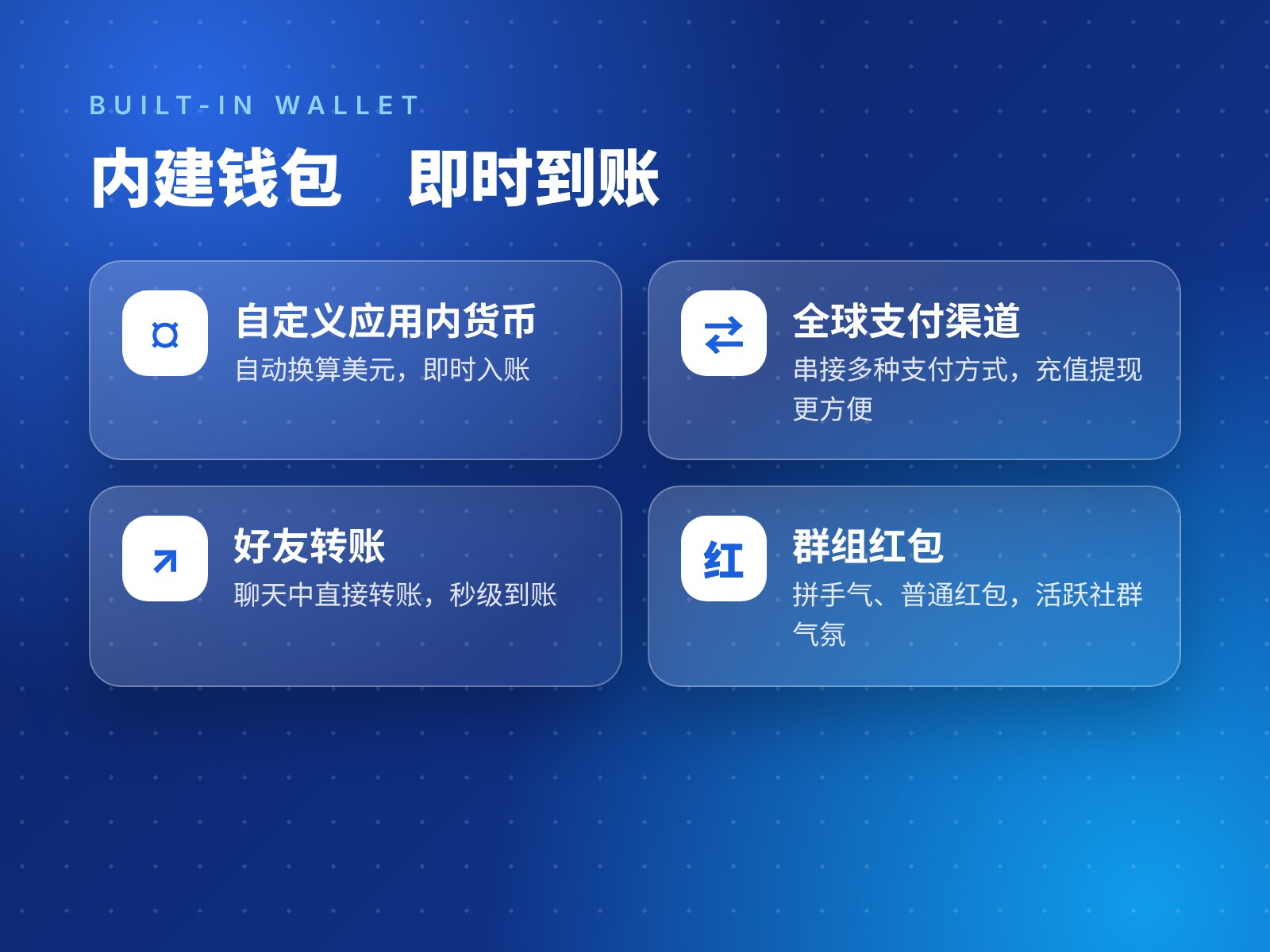
A secure wallet is built in, with a custom in-app currency that converts to USD automatically and credits instantly. Multiple global payment channels make payments easy, and friend transfers and group red packets can be sent right inside the chat to keep communities active.
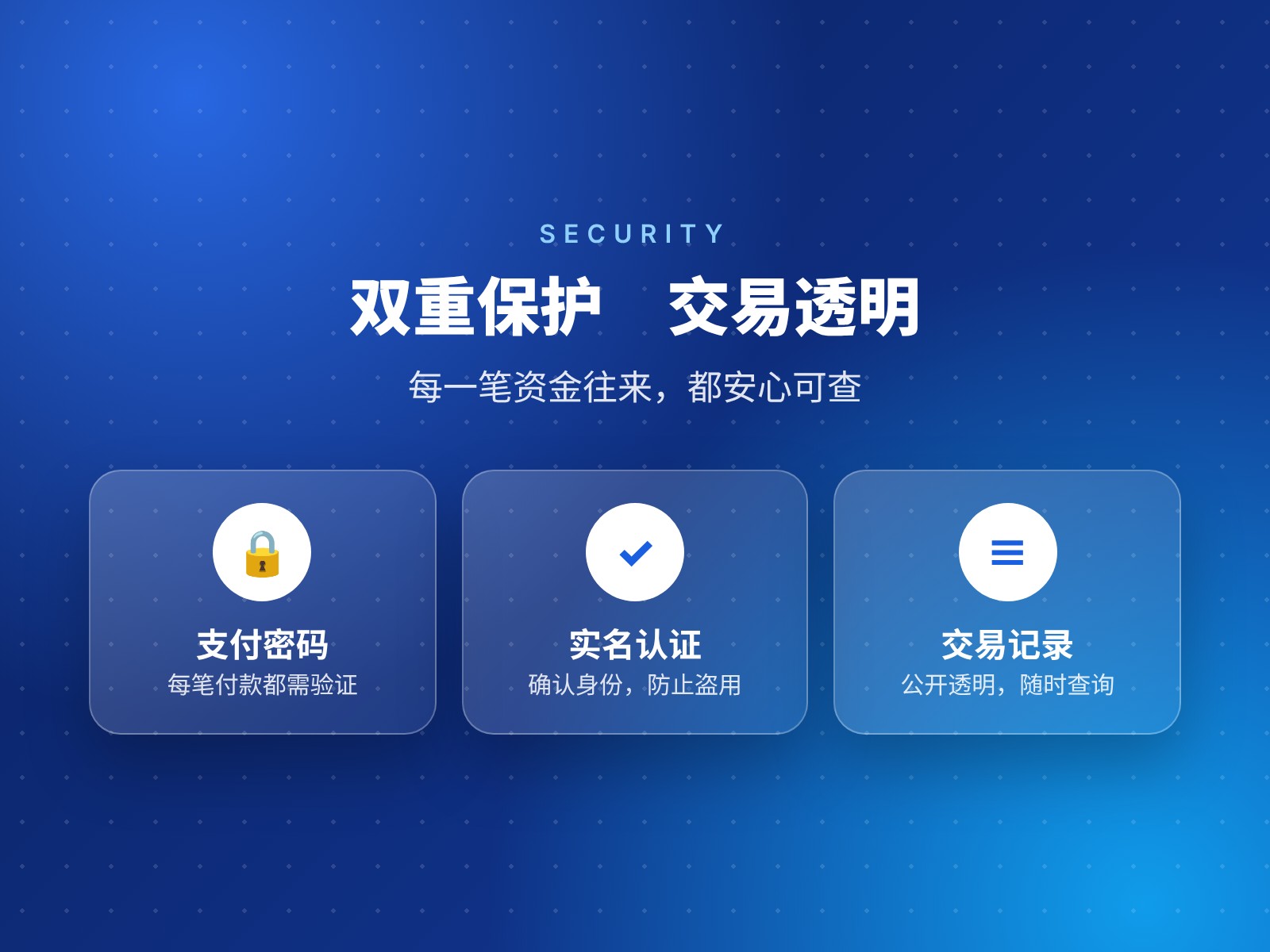
Every payment is protected by a payment password together with real-name verification, and all transaction records are transparent and available at any time.
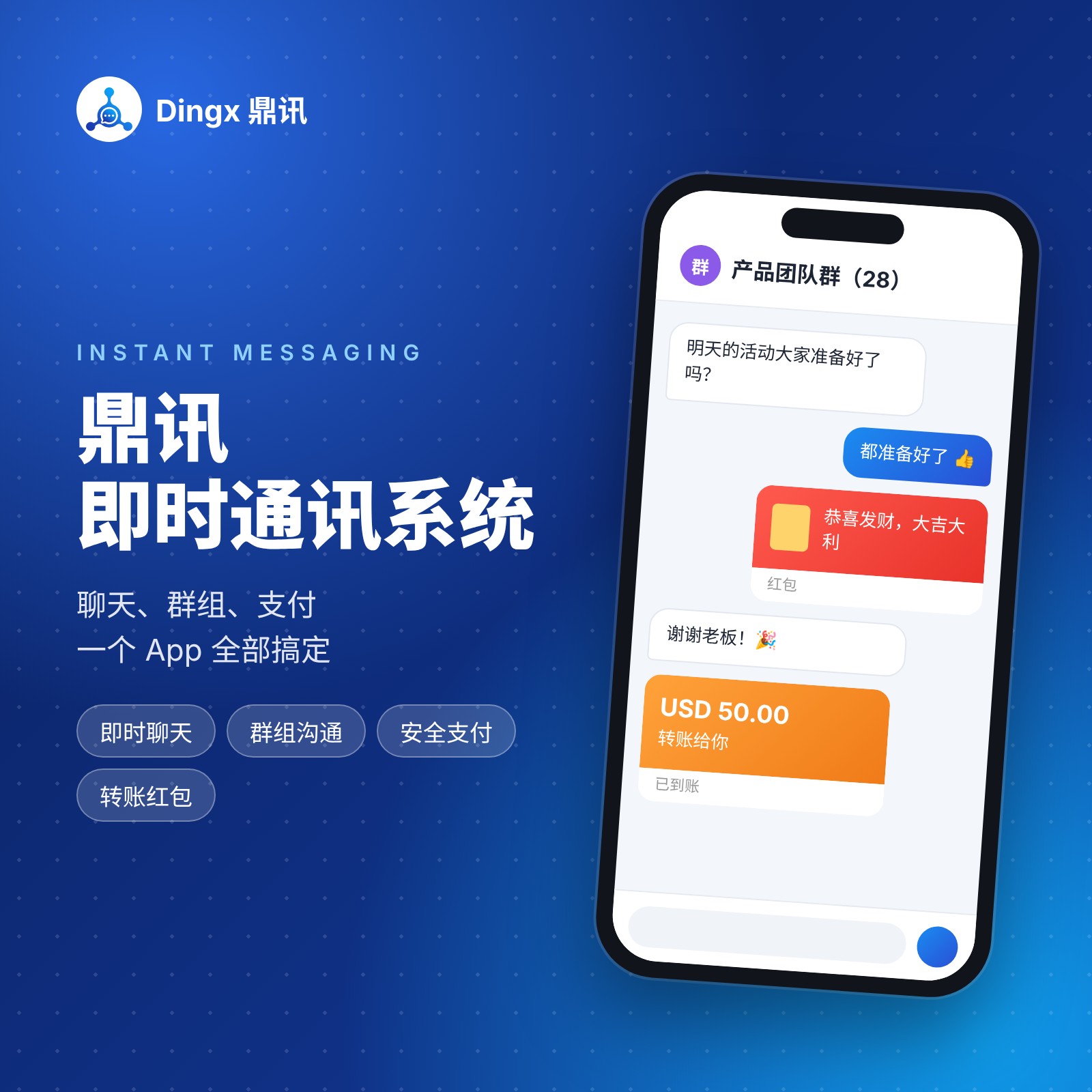
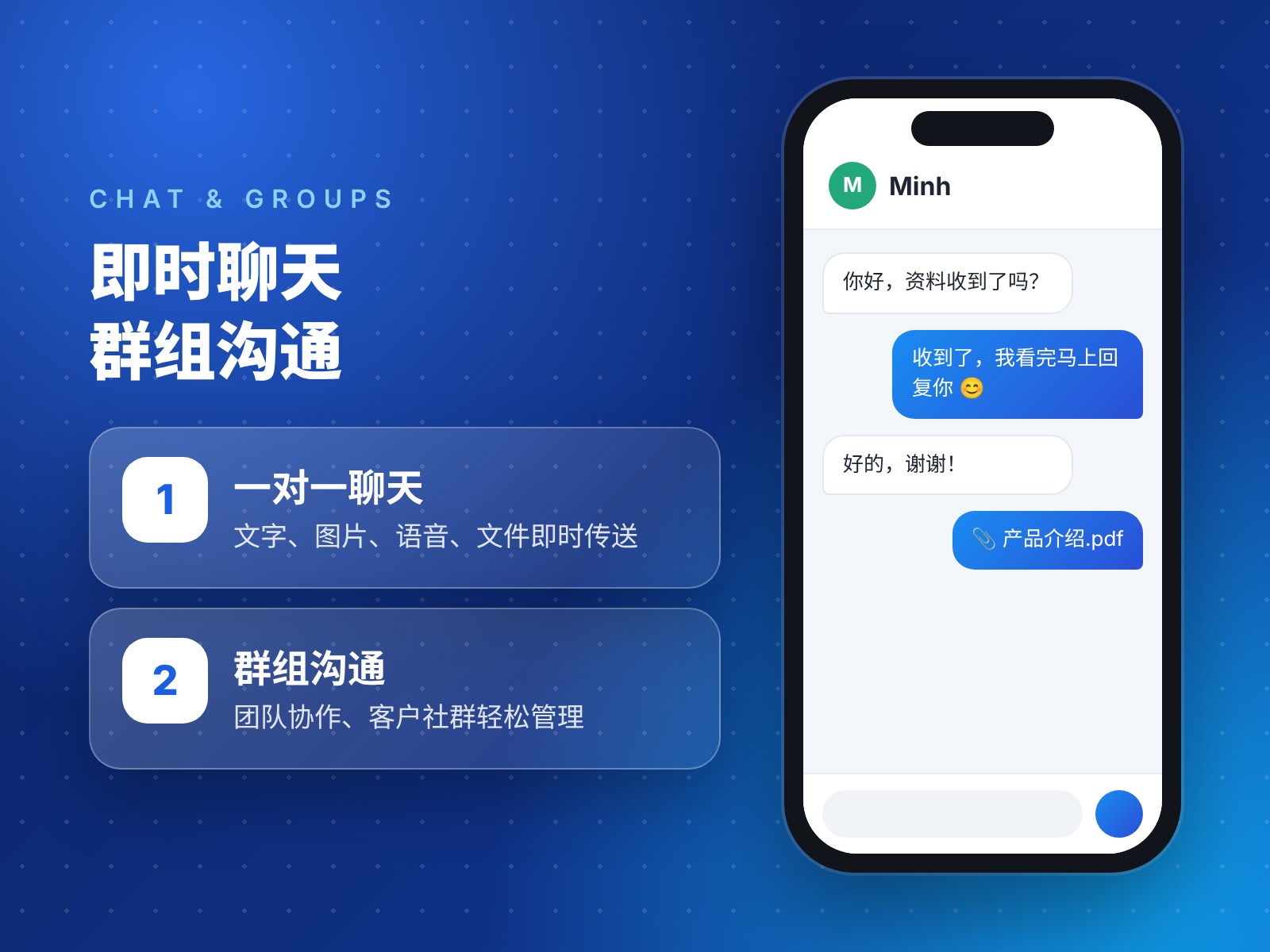
Dingx IM System — Front-end Features
A private, secure, and fast chat tool. Use it in the browser, install it on your phone’s home screen, or download the app. It supports Simplified Chinese, Traditional Chinese, English, and Tiếng Việt.
1. Registration and login
- Register with a username and password. No mobile number is required, which helps protect your privacy.
- Want to try it first? You can enter as a guest in one click.
- Every user has a unique user ID and a personal QR code, which makes it easy to share with friends.
2. Chat
- Many message types: text, voice, photos, files, emoji and stickers, and personal contact cards. You can also send items from your favorites directly.
- Voice and video calls: high-quality one-to-one voice and video calls. You still receive incoming-call and new-message alerts after the page is closed.
- Conversation management: pin, mute, or delete a chat. You can set a remark and tags for a friend, and search chat history.
- Broadcast: send a message to multiple friends or groups at once. Pick recipients quickly from recent contacts, friends, groups, or tags.
- Quick search: find people or groups by user ID, nickname, username, mobile number, or group ID.
- Scan: scan a code to add a friend or join a group, or choose a QR-code image from your photo library.
- 4 ringtone options to choose from.
3. Friends and contacts
- Friends are sorted alphabetically, with a side index for quick jumping.
- Incoming friend requests and requests you have sent are managed separately.
- Blacklist and tag groups are supported. Block someone in one click if you do not want to be disturbed.
- You can report harassment directly.
4. Groups
- Three group sizes: Standard groups up to 200 members, Super groups up to 2,000, and Supreme groups up to 5,000.
- Group profile: group avatar, description, announcement, and QR code. Share a group with friends in one click.
- Join rules: anyone can join, owner approval is required, or joining can be closed.
- Fine-grained admin permissions: rename the group, edit the description, change nicknames, add or remove members, mute, post or delete announcements, view the QR code, view member profiles, and send messages. Each permission can be granted to admins or members separately.
- Group rules: ban private chats between members, disable message recall, disable message editing, hide join and leave notices, limit message length, and filter keywords.
- Media controls: pictures, voice, files, stickers, contact cards, and video can each be allowed or blocked.
- Group blacklist, ownership transfer, and group dissolution give the owner full control.
- Red packets can be sent in a group to keep the chat lively.
5. Wallet
- Balance at a glance, with the option to hide it for privacy.
- 6 top-up methods: USDT (automatic credit on the TRC-20 chain, 20 to 10,000 USDT per transaction), WeChat, UnionPay, Chinese bank cards, Vietnamese bank cards, and Taiwanese bank cards.
- Transfers and red packets: transfer directly between friends, or send lucky (random split) or regular (equal split) red packets in a group. Unclaimed funds are returned automatically when they expire.
- QR payments.
- Clear transaction history, filterable by income, spending, and many transaction types. Top-up records can be checked for in-progress, completed, or failed orders.
- Bank-card binding for easier withdrawals.
- Live exchange rates: check the bid, mid, and ask prices for USD, CNY, VND, TWD, and the platform currency at any time.
6. Business Circles
- Browse featured services and apps on the platform, see ratings, view counts, and descriptions, open them in one click, and save the ones you like.
- Become a Circle agent: get your own exclusive Circle entrance. Users you invite will see your exclusive apps, which helps you build a private traffic pool. Strong performance can also earn a place in the Public Circle, with platform traffic and more exposure.
7. IM Membership
| Plan | Price (30 days) | Super groups (2,000 members) | Supreme groups (5,000 members) | Broadcast / forward per send |
|---|---|---|---|---|
| VIP1 | 3000 | 1 | — | 30 people |
| VIP2 | 4000 | 2 | — | 50 people |
| VIP3 | 5000 | 3 | — | 80 people |
| Supreme | 6000 | 3 | 1 | 100 people |
Members also get an exclusive badge and a highlighted display name.
8. Rewards
- Daily check-in, with rewards for consecutive check-ins.
- Invite friends with your exclusive promo QR code or link, and review them under “My Invitations”.
9. Safety
- Human verification on registration and login helps stop bots from signing up in bulk.
- Too many wrong password attempts temporarily lock the account, which helps prevent brute-force attacks.
- Transfers and red packets require a 6-digit payment PIN, which locks automatically after too many wrong attempts.
- Bank-card binding is reviewed by the platform before it can be used.
- Reporting and complaints are supported, and you can check progress at any time under “My Complaints”.
- Online customer service is available whenever you need it.
Dingx IM System — Admin Dashboard Manual
1. User Management
User list - Manage all users in one place. Search by a combination of user ID, nickname, account, mobile number, registration time, account status, IM membership level, and Bot level. - Membership levels are Guest, Standard, VIP1 to VIP3, and Supreme. Bot plans are Not Enabled, Basic, and Advanced. - Each account can be enabled or disabled in one click, and you can see whether it has been cancelled.
Auto registration - The dashboard can generate auto-registration links to create accounts in bulk, record who created each account, and let you edit or disable a link at any time.
Friends - View friend relationships between users (active, cancelled, or blocked). - Review all friend requests, including the request message, the result (pending, accepted, or declined), and whether the other party has read it.
2. Conversation Management
- Conversation list: View all private and group conversations, plus the latest message and the last update time for each one.
- Group list: Manage all groups. Groups come in three tiers — Standard, Super, and Supreme. You can see the owner and member count, ban a group, or check whether it has been disbanded.
- Call list: A record of all one-to-one and group calls, split into voice and video, with the result (answered, missed, declined, busy, or cancelled) and the call duration.
3. Complaints
- Users can file complaints about private chats, group chats, and Business Circles. The dashboard tracks each case as Pending, In Progress, or Resolved, and records the outcome of every case.
4. Funds Management
Top-ups - Seven top-up channels are supported: USDT crypto (U-Pay), WeChat, Alipay, UnionPay Quick Pass, Chinese bank cards, Vietnamese bank cards, and Taiwanese bank cards. Each channel can be turned on or off on its own. - Each channel can have multiple receiving accounts, with one-click switching of the account in use. - Orders are tracked end to end across 12 statuses, from awaiting payment, confirming, and completed, through expired, partial payment, refund, and rejected. You can also compare the order amount with the amount actually received. - A built-in exchange-rate module automatically updates USD to CNY on a schedule, with a single-update jump cap to prevent abnormal swings. The platform currency can use a fixed rate or the market rate, and a buy/sell spread can be set for conversions. - You can set per-transaction top-up limits, order timeouts, and a cap on how many unpaid orders each user may have at once, to prevent abuse.
Transaction list - Every movement of money is recorded, covering top-ups, withdrawals, transfers, red packets, refunds, shop payments, QR payments, membership upgrades, Bot upgrades, daily check-ins, agent commissions, campaign bonuses, balance adjustments, and more. - Each entry shows the balance after the change. You can search by amount range, order number, and direction (in or out) to make reconciliation easier.
Transfers and red packets - Transfer records are split into awaiting receipt, received, returned, and expired. Funds that are not claimed in time are returned automatically. - Red packets support both lucky (split randomly) and regular (equal split) types. You can see the total amount, the number of packets, how many have been claimed, and the claim status. - The dashboard can set amount limits for transfers and red packets, a cap on the number of red packets, expiry times, and a default greeting.
Bank cards - Bank cards bound by users must be reviewed in the dashboard (pending, approved, or rejected). They can be enabled or disabled at any time, including in bulk. - Debit and credit cards are supported. You can maintain the list of banks that can be bound, along with their sort order and colors.
5. Business Circle Management
- Circle list: Merchants can open Business Circles, either Exclusive or Public. An Exclusive Circle can be upgraded to a Public one. The dashboard can review, show, hide, or ban a circle, and you can define business categories.
- Agent applications: After a user applies to become an agent, the dashboard reviews the application (approved, rejected, or disabled). You can see how many circles each agent has, and which administrator handled the case.
6. System Settings
- Administrators and roles: You can create multiple dashboard accounts and assign permissions across four roles — Super Admin, Admin, Operations, and Sales. The menus each role can see can be ticked page by page.
- Global settings: Front-end entry switches, login methods, membership and Bot plans, chat and group limits, Business Circle rules, and how often app announcements appear can all be changed in the dashboard, with no code changes required.
- Automatic file cleanup: Expired chat files are cleaned up on a daily schedule. The retention period is configurable. Favorites, stickers, and avatars are not affected, which helps cut storage costs.
Security Features
1. Four-factor dashboard login
Administrators must pass four checks at the same time to sign in: username, password, a Google Authenticator code (6 digits, refreshed every 30 seconds), and a graphic captcha. Even if a password is leaked, no one can sign in without the bound authenticator on the phone.
2. Dashboard IP allowlist
Access to the dashboard can be limited to specified IPs, including entire IP ranges — for example, only the company intranet. The allowlist can be turned on or off in one click.
3. Automatic IP blocking (anti-attack and anti-crawler)
- The system tracks how often each IP visits in real time, and automatically blocks an IP that exceeds the limit within the set time window.
- Ban length increases across three tiers (for example 10 minutes, 1 hour, then 24 hours). Repeat offenders are blocked for longer, and the number of 24-hour bans per IP is recorded.
- Administrators can also add IPs to a blocklist manually, and maintain an exemption list so partners are not blocked by mistake.
4. Front-end registration and login risk controls
- Human verification can be turned on for both registration and login, to block bots from bulk sign-ups and credential stuffing.
- You can limit how many accounts may be registered from the same device or IP, as well as the number of failed registration attempts.
- Dual limits on failed logins: temporary lockout if the same device or IP exceeds the limit within 10 minutes, or if the same account exceeds the limit within 30 minutes.
- SMS verification codes are limited by how many can be requested per hour and how many times each code may be tried, to prevent SMS flooding and brute-force attacks.
- Rules can be set for the length of usernames, passwords, and nicknames.
5. Funds security
- The payment PIN is locked automatically after a set number of consecutive wrong attempts.
- Transfers and red packets have per-transaction amount limits, and unclaimed funds are returned automatically when they expire.
- A bank card bound by a user can only be used after manual review in the dashboard.
- Each user is limited in how many unpaid top-up orders they may have at the same time, to prevent order hoarding.
- A jump cap is applied when exchange rates update automatically, to avoid losses from abnormal rates.
6. Real-time Telegram alerts
System incidents can be pushed immediately to a designated Telegram group or account, so administrators know at once even when they are away from a computer.
7. Audit trail and logs
- Dashboard activity log: Every action by every administrator is recorded, including who did it, which module, the action, the target, and the source IP. Coverage includes system, configuration, accounts, roles, users, group chats, wallet, top-ups, bank cards, and campaigns, so issues can be traced to a person.
- Error log: Exceptions from APIs, scheduled jobs, and background tasks are collected automatically. Similar errors are grouped and counted, and the handler and handling time can be marked.
- All logs: Recent system records can be viewed by level (info, warning, or error).
8. Role-based access control
Four role levels, with menu permissions assigned page by page. Each role only sees the features they are responsible for, which reduces the risk of internal mistakes and data leaks.